
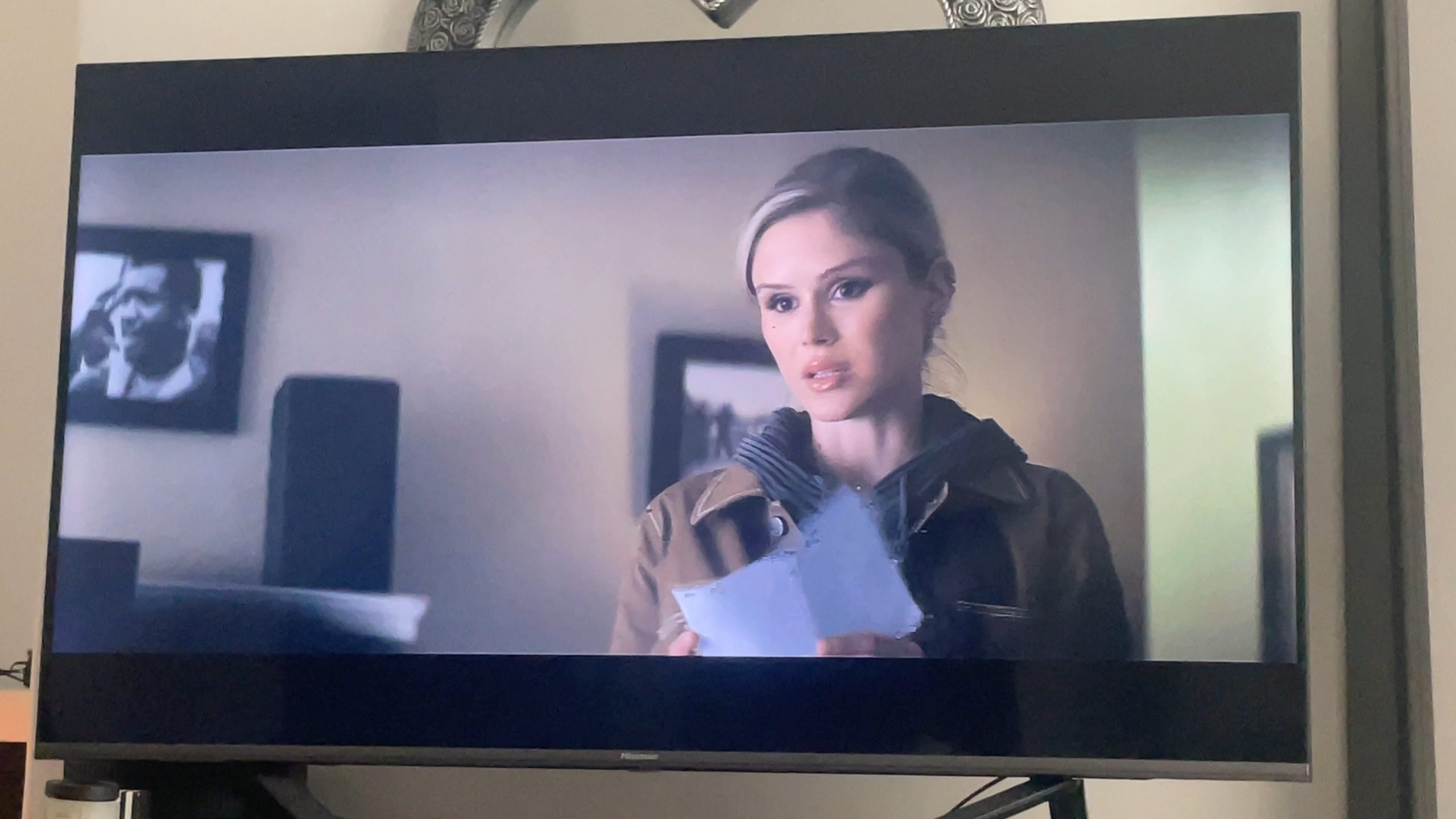
Your TV pixelating? Don’t worry; it’s a common issue many face. The culprit behind this frustrating phenomenon often lies in the signal. Weak signal strength, loose connections, or even electronic interference can cause your TV to pixelate. Before you hit that panic button, let’s dive into the possible reasons behind why is my TV pixelating and how you can troubleshoot it effectively. Let’s ensure your viewing experience remains crystal clear.

Why Is My TV Pixelating
Introduction
Welcome to our guide on why your TV might be pixelating! It can be frustrating when you’re trying to enjoy your favorite show, and all you see are those pesky little squares on the screen. But fear not, we are here to help you understand the reasons behind this issue and how you can fix it.
What Causes Pixelation on Your TV
1. Weak Signal Strength
One of the most common reasons for pixelation on your TV is a weak signal strength. When the signal from your cable or satellite provider is not strong enough, it can result in poor image quality with pixelation. This can happen due to various factors such as bad weather, signal interference, or even faulty equipment.
How to Fix:
To improve the signal strength, make sure all cables are securely connected, check for any damaged cables, and position your antenna or satellite dish correctly to get the best reception.
2. Outdated Equipment
If your TV or set-top box is outdated, it may struggle to process high-definition signals, leading to pixelation. Older equipment may not have the capacity to handle the complexity of modern broadcasts, resulting in a degraded picture quality.
How to Fix:
Consider upgrading your TV or set-top box to a newer model that supports high-definition signals. This can significantly improve the quality of your viewing experience and reduce pixelation.
3. Overheating Devices
Electronics like TVs and cable boxes can sometimes overheat, which can cause pixelation on the screen. When devices get too hot, their performance may be affected, leading to image issues like pixelation or freezing.
How to Fix:
Ensure proper ventilation for your devices by keeping them in well-ventilated areas, away from heat sources. Consider using cooling pads or fans to prevent overheating and improve device performance.
4. Signal Interference
Signal interference from nearby electronic devices can also cause pixelation on your TV. Devices like microwaves, cordless phones, and even other electronic gadgets emitting signals can disrupt the TV signal, leading to picture distortion.
How to Fix:
Identify the source of interference and try to move electronic devices away from your TV or use shielding materials to block unwanted signals. This can help minimize signal interference and reduce pixelation.
Pixelation on your TV can be a frustrating experience, but by understanding the possible causes and following the suggested fixes, you can improve your viewing quality and enjoy a crystal-clear picture. Remember to check for signal strength, upgrade outdated equipment, prevent overheating, and minimize signal interference to address the pixelation issue effectively.
TV Keeps Freezing And Pixelating – EASY FIXES
Frequently Asked Questions
Why does my TV keep pixelating?
TV pixelation can occur due to various reasons, such as poor signal reception, loose connections, outdated software, or interference from other electronic devices. To troubleshoot this issue, ensure all cables are securely connected, try repositioning your antenna or contacting your service provider for signal adjustments.
How can I fix pixelation on my TV screen?
To fix pixelation on your TV screen, start by checking and tightening all cable connections. Restart your TV, cable box, or streaming device. If the issue persists, try adjusting your antenna or consider upgrading your equipment for better performance.
What role does signal interference play in TV pixelation?
Signal interference can cause TV pixelation by disrupting the transmission of data between your TV and the broadcasting source. Common sources of interference include other electronic devices, wireless signals, or even physical obstructions. To minimize interference, keep electronic devices away from your TV, use shielded cables, and ensure a clear line of sight for your antenna.
Final Thoughts
Pixelation on your TV screen can be frustrating, but understanding the root causes can help resolve the issue. Poor signal quality from the cable or satellite provider is a common reason for pixelation. Obstructions like trees or buildings blocking the signal, or loose connections can also cause pixelation. By identifying and addressing these issues, you can enjoy a clear and uninterrupted viewing experience without wondering, “why is my TV pixelating.”


